
From applicant to active employee in one file.
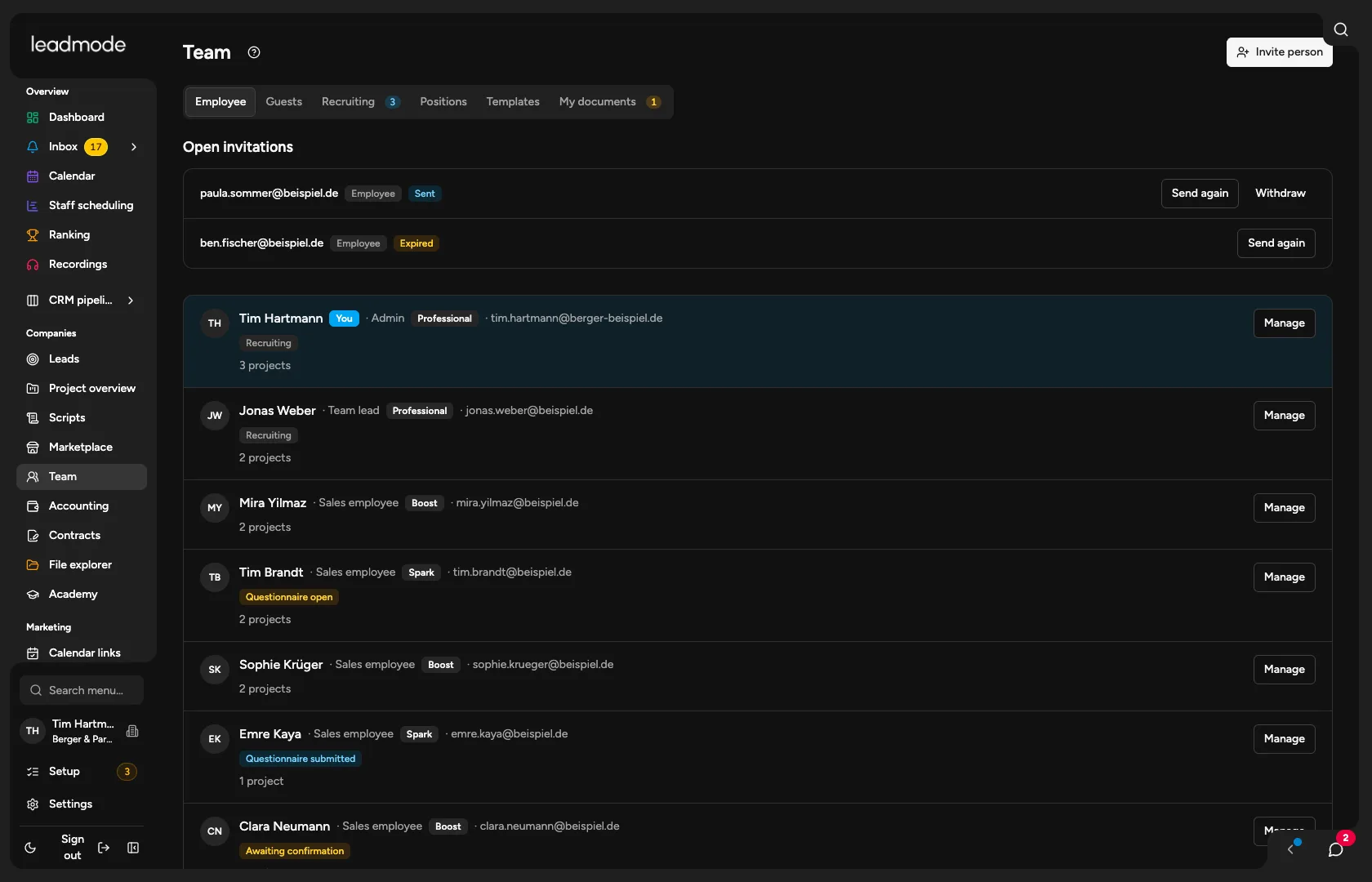
On the employees page you invite people, guide applicants through the process and create contracts from your templates. Permissions, project membership and compensation hang on the same person.
Sound familiar?
Applicants sit in a mailbox, employee data in a spreadsheet, contracts in a folder. Who got which permissions and when is something nobody can say exactly in the end.
How Leadmode solves it.
One file from applicant to active
Applicants and employees are the same file, in the stages New, Interview, Offer, Onboarding, Active and Rejected. History and notes are kept when someone accepts the invitation.
Inviting and setup
The admin invites by invitation and chooses the permission profile at the same time. A checklist per person shows, from existing data, whether account, questionnaire, contract, project, compensation, phone number and mailbox are in place.
Roles and permission profiles
For each area you set None, View, Edit or Manage. Included are sales rep, team lead and viewer, and your own profiles are possible. In a project, a project role (project lead, sales, backup, read only) and a restriction per person are added, and the minimum always applies. Locked buttons are greyed out and tell you which permission is missing.
Personnel questionnaire by employment model
For each type of employment and model (Germany, abroad or your own models), details are required, optional or hidden. The answers, including IBAN and tax ID, are stored encrypted. The person fills it in, and you accept it or reopen the form.
Contracts and documents
Contracts are created from your templates with placeholders, and the system fills in name, address, start date and position from the file and the questionnaire. After preview and release, the person confirms under ‘My documents’ with a timestamp. That is a confirmation in the system, not a qualified signature.
Jobs and careers page
You create job postings and switch on a careers page, reachable without signing in and with a speculative application if you like. You embed it in your website with a script or iframe. The application form accepts a CV up to 5 MB, and duplicates and bots are caught.
Applications by webhook and as a lead
Each job and the speculative application has its own webhook address, through which job boards, forms or your AI deliver applications, with copyable instructions. Every application is also created as a lead in a project of your choice, which you can document and call.
Employee compensation
Admins store a flat fee, hourly rate, fee per appointment or lead and commission with a waiting period for each person and project. Everyone sees their earnings under Account, and admins see the team. This is a preview built from services, not payroll.