
From the ad click to the lead in your CRM.
Build landing pages and multi-step funnels, let the AI suggest one from your website, and publish on your client’s own address. The lead lands in the CRM with its source, and the appointment is in the calendar.
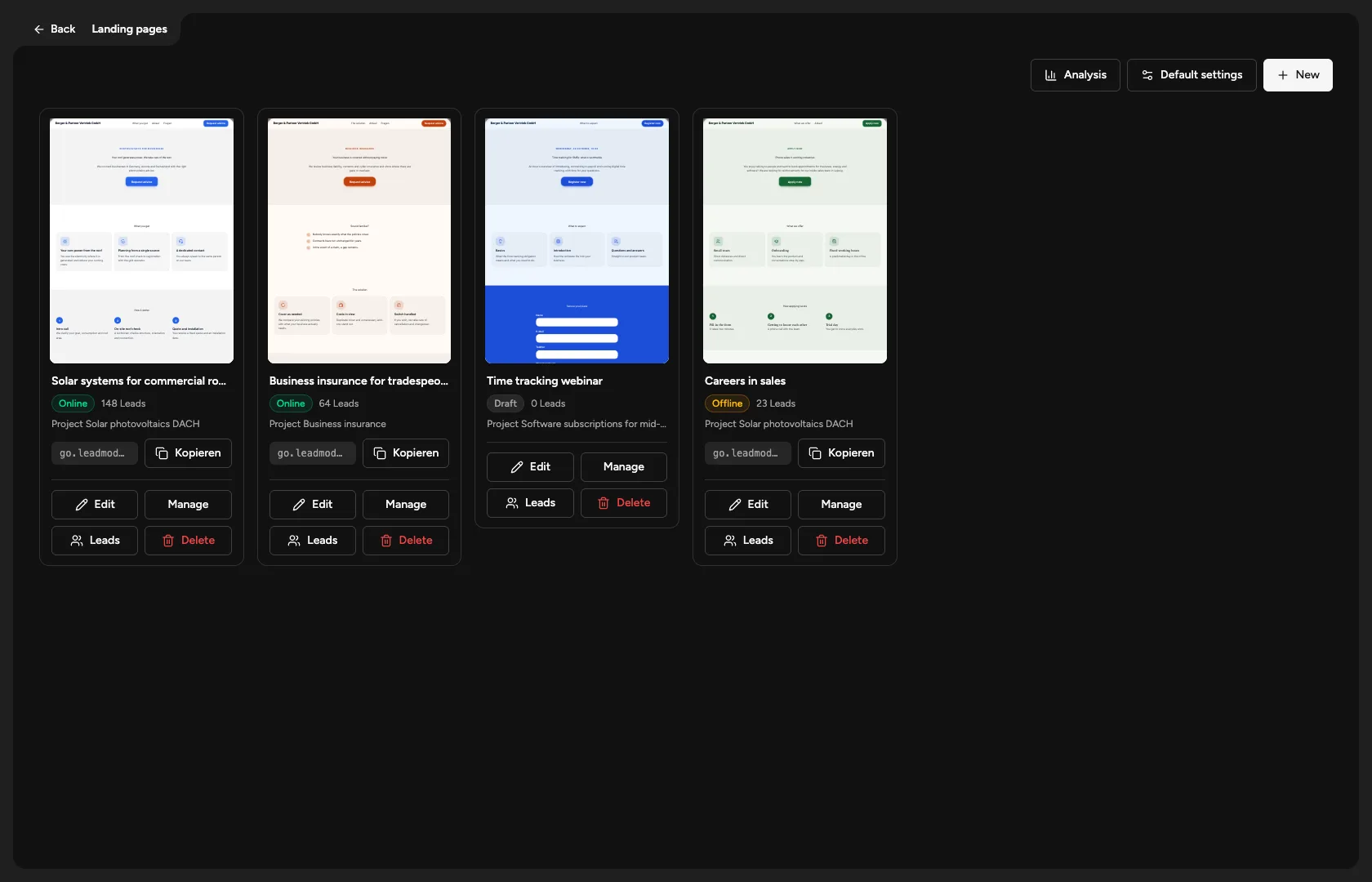
Sound familiar?
The funnel lives in a separate tool, the lead reaches the CRM by a detour, and nobody knows which campaign brought the appointment.
Every client wants a page of their own on their own address.
How Leadmode solves it.
Landing page or funnel
A landing page is one long page with benefits, process, questions and a contact form; a funnel guides people through questions step by step. Kept separate, and both start from a template (8 landing pages, 9 funnels) or an AI draft.
AI draft
You give a goal and a target audience, and optionally your website’s address. The AI reads texts, headings, questions and prices and creates a draft. Missing facts stay as placeholders; nothing is invented.
Editor without coding
Questions with answers, rules, form fields, colour presets, icons. Live preview while editing, undo, immutable versions. The published version changes only when you choose ‘Publish again’.
Appointment right in the funnel
After the form, the visitor picks a free slot. It lands in the employee’s calendar and on the lead. If the project has a client calendar, the funnel opens that one, already filled in. Without a funnel there are permanent booking pages with a fixed address.
Your own domain
Under ‘Domains’ you enter your client’s address, check the connection with a button and attach pages to it. Several websites are possible.
Results by source
Leads per funnel and per campaign from the address, and how many of them have an appointment or a close. Counting starts at publication.
Lead with source in the CRM
Every enquiry arrives through the same entry point as any other lead, with its source and a cold or warm classification. A double click never creates a second lead.
Webhook per page
Every funnel and landing page has a webhook address of its own, with instructions, so leads from other forms or ad tools reach the CRM. Changes in the CRM can also be sent on to other systems through outgoing webhooks.
- Landing page templates
- 8
- Funnel templates
- 9