
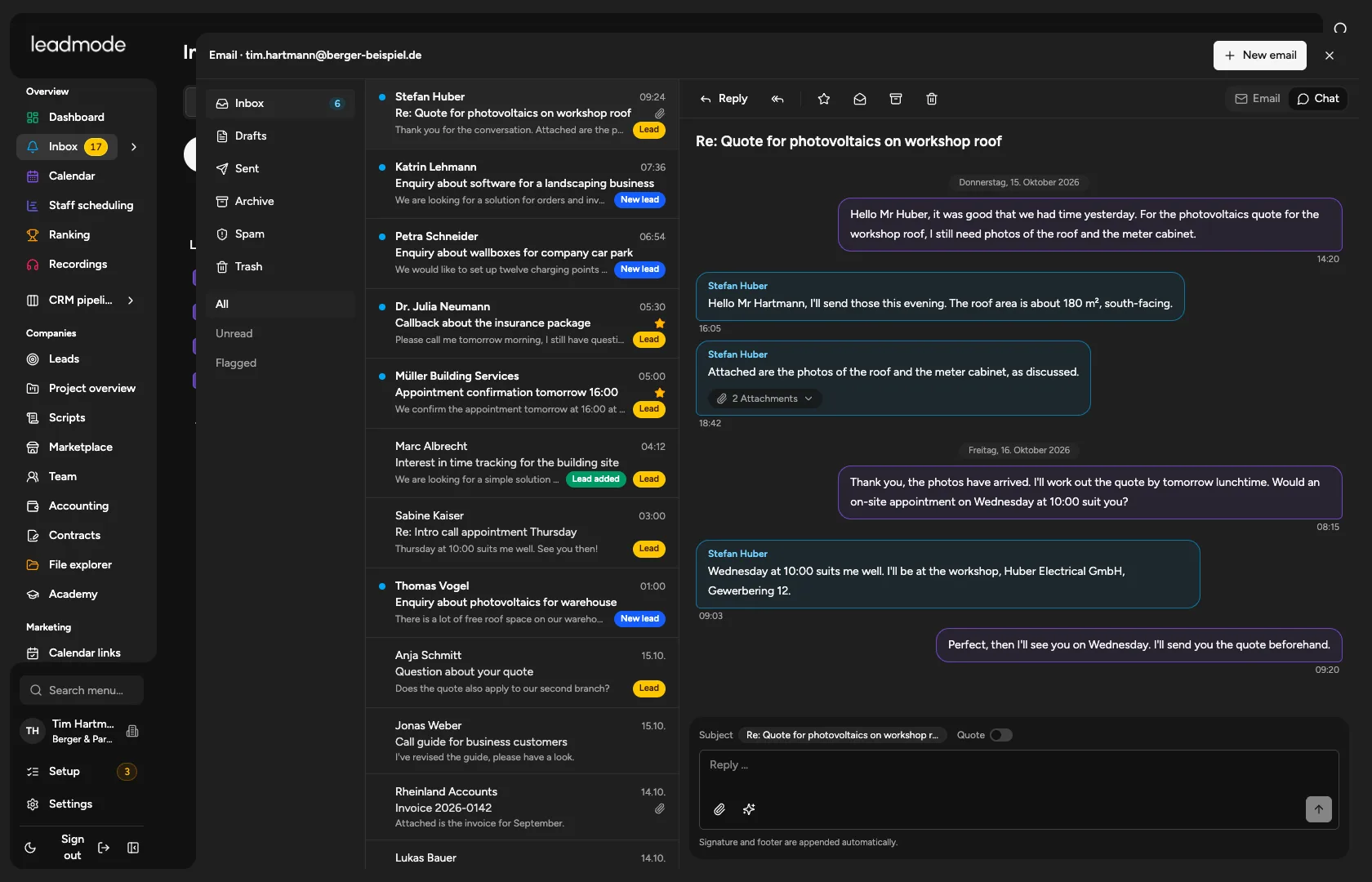
Your team’s mailbox, right in the CRM.
Every employee with their own mailbox, every email on the right lead, and email and calls working hand in hand.
Sound familiar?
The CRM knows nothing about the email, and the email client knows nothing about the call.
Replies sink in a mailbox, and nobody creates the task.
How Leadmode solves it.
A mailbox for every employee
Emails go out under the employee’s own name, never through the platform. Tiles with instructions for common providers, plus organisation mailboxes with sharing.
Mailbox in the CRM
Inbox and sent items live over IMAP, replies, attachments, automatic matching to the lead and an ‘Emails’ tab on the lead. Optionally the AI summarises new emails and polishes reply drafts without adding new facts.
Bulk sending kept separate
Cold emails to lists with follow-ups, daily limit and send window run in the cold email campaigns. The mailbox here is for everyday correspondence with individual leads.
53 email templates
Ten categories from first contact through follow-up and quote to reactivation. Placeholders for salutation, appointment, booking link and more. Anyone can make a copy of their own.
Email and calls in step
A rule such as ‘Calls only after the nth email’. An info email counts only once it has actually been sent.
Appointment emails and SMS
Confirmation, up to three reminders, rescheduling, cancellation and a reply page for accepting or rescheduling. Appointment SMS go through your organisation’s own seven.io account, enabled per employee.
- Email templates in 10 categories
- 53