
Book in one click, plan staff in one place.
Booking with slot suggestions, distribution across the team, a public booking page and an email sequence that cuts no-shows without anyone writing emails.
Sound familiar?
Double bookings and forgotten confirmations cost you appointments.
Your client uses a booking calendar of their own, and the CRM doesn’t know it.
How Leadmode solves it.
Views and team planning
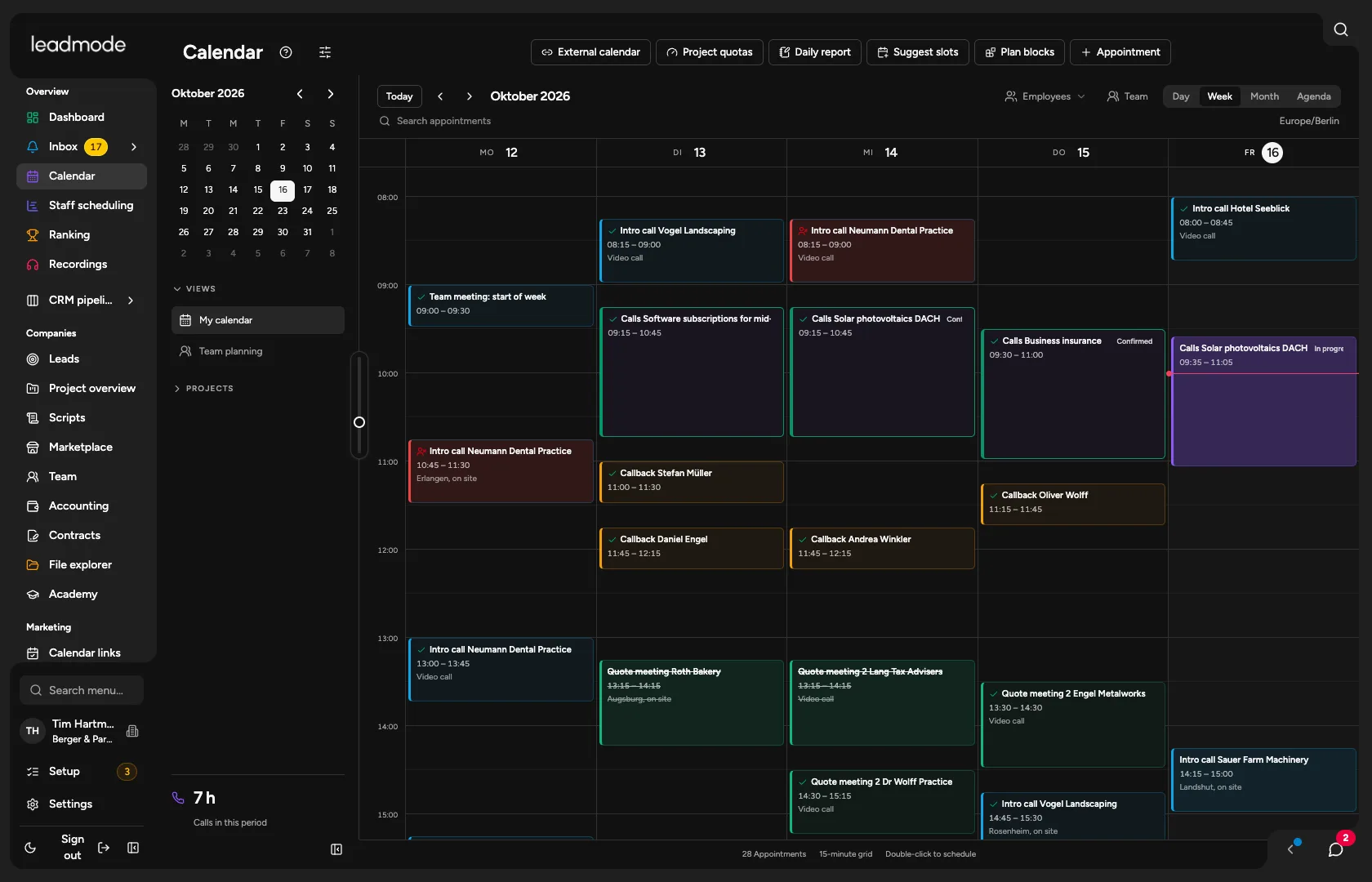
Day, week, month and agenda, saved views, and calling blocks per project with reports that show their status (planned, running, report open, confirmed). Utilisation appears on the Team and scheduling page.
Appointment booking
Slot suggestions, distribution to the least busy person, protection against double booking.
One-time booking link
The prospect books on their own, without signing in. Valid for seven days by default, usable once and revocable.
Booking pages
Permanent pages with a fixed address for one person or the team (round robin), per project and appointment type, with their own title, location, logo and reminders. The lead is created in the CRM. A replacement for a separate booking tool.
Appointment email sequence
Confirmation, up to three reminders (24 hours and 1 hour before by default, quiet hours 8pm to 8am), rescheduling, cancellation, calendar entry and reply page. Sending runs only through the appointment owner’s mailbox. SMS confirmation and SMS reminders are optional.
External calendars
Google Calendar (changes by push within seconds, otherwise synced every five minutes), iCloud, CalDAV services (Nextcloud, Fastmail, Zoho, Yahoo, mailbox.org, IONOS, Posteo, generic CalDAV connection) and a read-only ICS link. Your client’s calendar can be stored with the project.
Staff scheduling
On the scheduling page you see target, plan and actual per person, time off and absences with approval, conflicts and utilisation against the quota. The planner adds free multi-week planning.
Project quota
Monthly hours per client with progress in percent.