
Every file is where it’s needed.
An explorer for private files, the organisation, projects, leads and employee documents. Permissions, recycle bin, search and editing are built in, with no detour through someone else’s cloud folder.
Sound familiar?
Contracts, quotes and documents sit in a cloud folder that knows nothing about the lead or the project.
Who has access is maintained there, separately from the CRM, and deleted often means deleted for good.
Application documents, receipts and images from pages are scattered across three places.
How Leadmode solves it.
Five places, one view
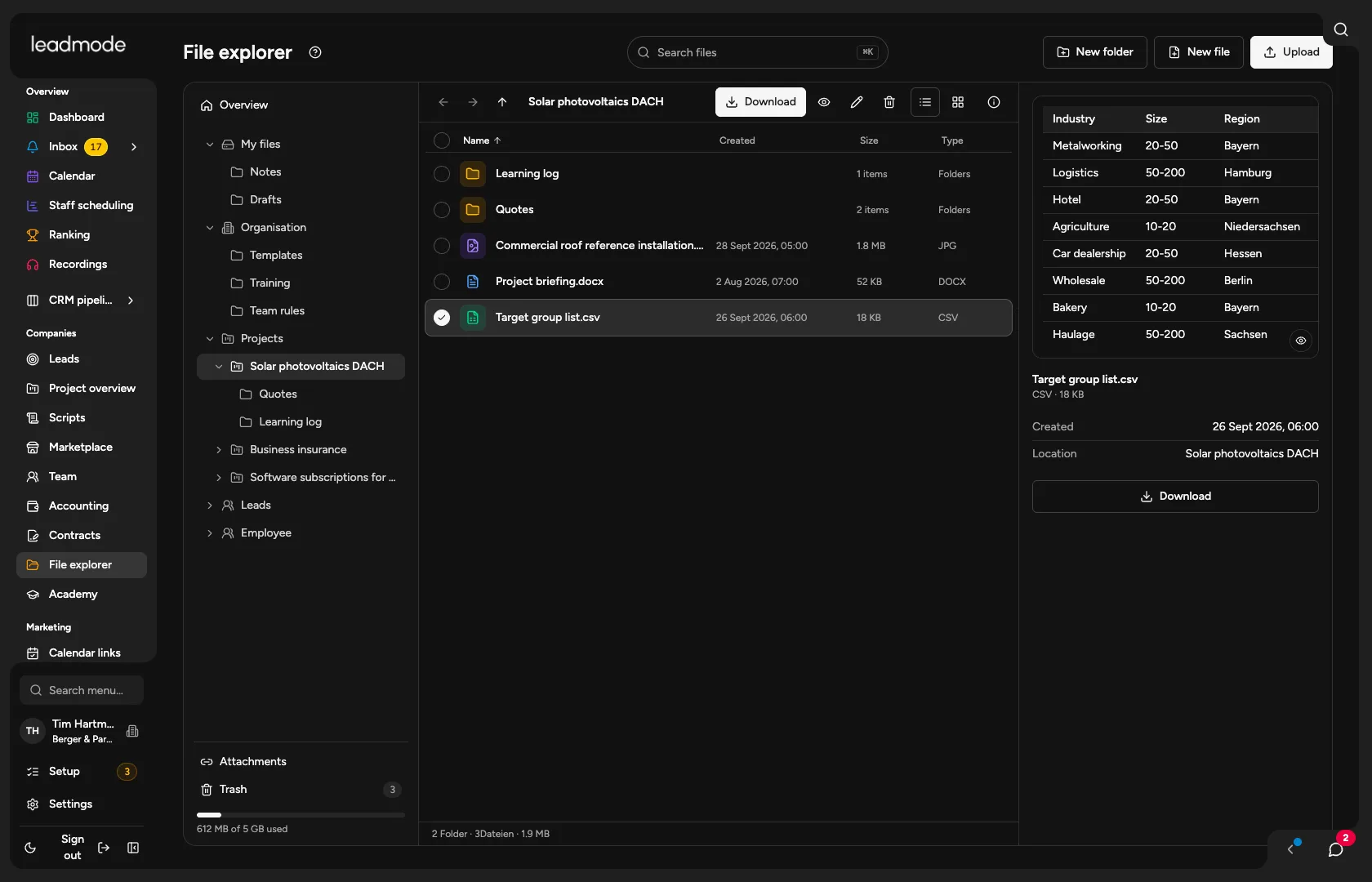
My files (only you, not even an admin), organisation, project, lead and employee. You see only what your role allows. The storage appears as a tree on the left, as a list or as tiles.
Permissions like the rest of the system
Project files follow the project team and the Files area, contact files follow the lead’s project. Organisation storage is written by whoever may manage the organisation and defaults, and employee documents need the permission for personnel files and contracts.
Recycle bin with restore
Deleted files stay in the recycle bin for seven days and can go back to where they came from. Deleting permanently removes the file immediately.
Moving and copying by fixed rules
Server and interface check the same rules. From My files you can only copy, and personnel documents never leave their file by moving. Drag into a folder, hold Alt to copy.
Search in file names
Find files by the beginnings of words, even with umlauts written out. The names stay encrypted and the index holds only blind values. The search covers file names, not contents.
Edit documents directly
You create TXT, Markdown, CSV and Word files in the explorer and edit them in a window. Saving protects against overwriting if someone else has changed the file in the meantime. Export as PDF works from all four formats, optionally with an AI instruction.
Upload, preview, download
PDF, Office and text formats and images up to 50 MB per file, checked by content rather than extension. Several files and folders download as a ZIP, packed in the browser.
Attachments from other areas
Application documents, receipt PDFs with XRechnung and images from landing pages appear live in the explorer and point back to their origin. If the attachment is deleted there, it’s gone here too.