
Ready-made flows from day one. Fully customisable.
Preconfigured, not fixed. Every agency and every project models its own flow: stages, outcomes, required fields, consequences, cadence, templates, reports. And whatever comes in from outside, or needs to go out, runs through webhooks and the AI interface.
Sound familiar?
With an automation tool you build the connections yourself, and they break.
Rigid tools force your flow into their logic.
How Leadmode solves it.
Sales flow
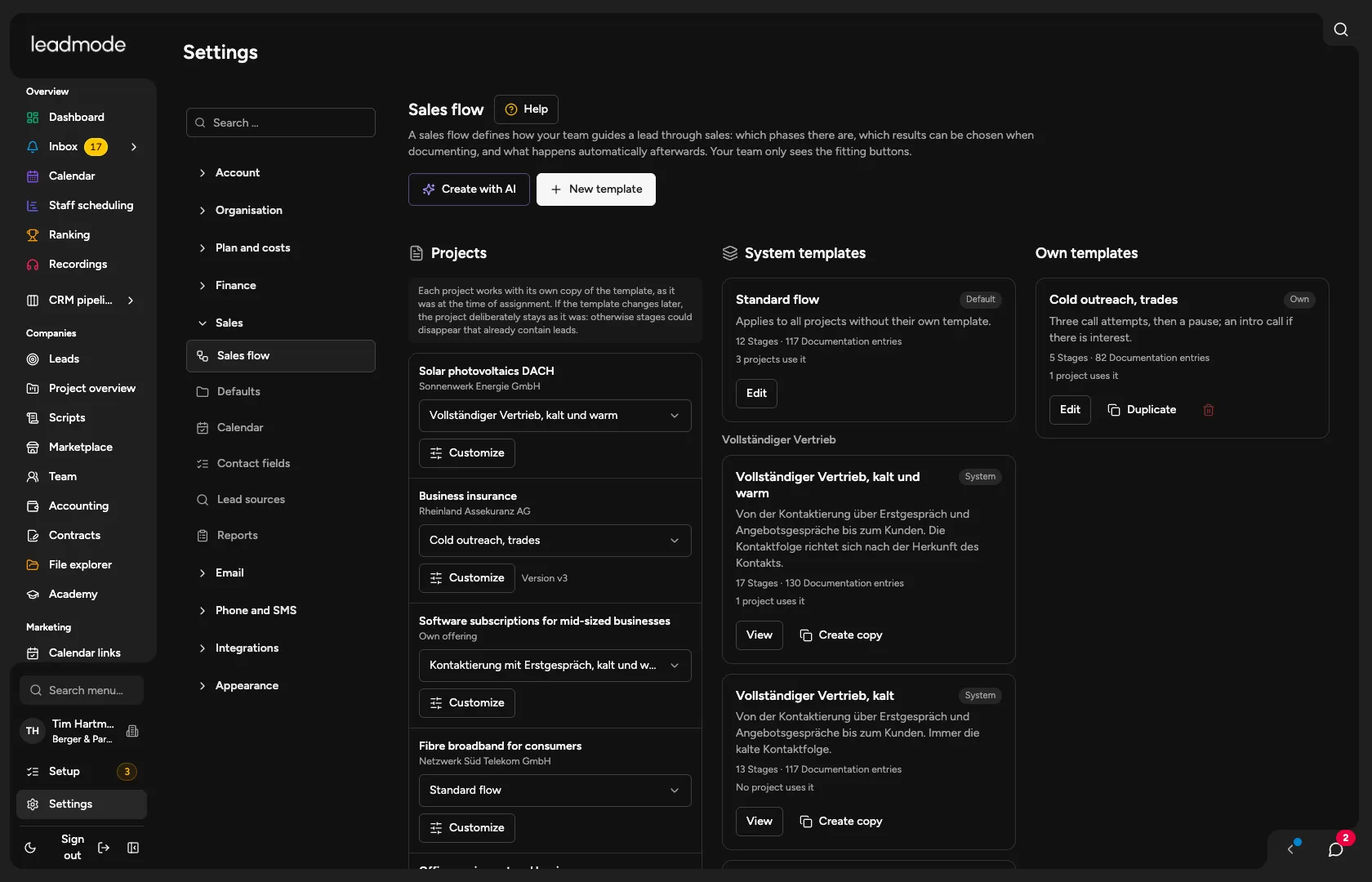
Twelve stages with detailed statuses. Names, order and your own stages can be changed; the organisation default and the project copy are kept apart, and ‘Use default’ resets them.
Outcomes and consequences
Over 100 outcomes in the full flow, with required fields and an effect on stage, task, block and cadence. Every change is a new version; outcomes appear only in the stages where they fit.
Cadence
Ten profiles with intervals per attempt, cold and warm depending on the lead’s source, contact windows (default Mon to Fri, 8am to 6pm) and an end after a set number of failed attempts. Blocks with scope and reason; an import never lifts them.
Flow templates
Ten system templates in four families (full sales, outreach with first call, outreach only, support) and your own templates. You pick one per project, and it is placed in the project as a copy. The editor shows the flow as a tree, the AI drafts or changes it on request, and a history keeps the latest versions.
Marketplace
165 ready-made sales flows for 15 industries in three levels each. Adopting one creates a template of your own, which you can then change freely.
Call scripts
Scripts live in the system: an organisation library, assigned per project and stage, personal adjustments, and a script button during the call.
Custom fields and appointment emails
Custom fields per organisation or project. Appointment confirmation and zero to three reminders with quiet hours, switchable off per project.
Webhooks
Incoming: its own address per landing page, lead questionnaire, job posting or in general, and leads land in the CRM with their source. Outgoing: one webhook with several rules, set up in six steps, with a delivery log; imports stay silent.
AI interface (MCP)
Your AI works with Leadmode using your permissions: read, create, change. Over 700 tools in a lean default view with search; tools that delete ask for confirmation.
- Stages
- 12
- Flows in the marketplace
- 165